
Tuning an analog radio can seem like a daunting task, especially for those who are new to the world of radio technology. However, with a bit of knowledge and practice, anyone can learn to tune an analog radio effectively. As an analog radio supplier, I've had the opportunity to work with a wide range of radio models and understand the intricacies of tuning them. In this blog post, I'll share some tips and techniques on how to tune an analog radio.
Understanding the Basics of Analog Radio
Before we dive into the tuning process, it's important to understand the basics of analog radio. Analog radios use continuous signals to transmit and receive information. These signals are modulated to carry audio or other data. The two main types of modulation used in analog radio are amplitude modulation (AM) and frequency modulation (FM).
- AM Radio: AM radio works by varying the amplitude of the carrier wave to represent the audio signal. AM signals can travel long distances, especially at night, but they are more susceptible to interference.
- FM Radio: FM radio, on the other hand, varies the frequency of the carrier wave to represent the audio signal. FM signals provide better sound quality and are less prone to interference compared to AM signals, but they have a shorter range.
Tools You'll Need
To tune an analog radio, you'll need a few basic tools:
- The Radio Itself: Make sure your radio is in good working condition and has fresh batteries or is properly connected to a power source.
- Antenna: An antenna is essential for receiving radio signals. Some radios come with built - in antennas, while others require an external antenna. A good antenna can significantly improve the reception quality.
- User Manual: The user manual that came with your radio contains valuable information about the radio's features and tuning procedures. It's a good idea to refer to it when tuning your radio.
Step - by - Step Tuning Process
Step 1: Power On the Radio
The first step is to turn on your analog radio. If it's battery - powered, make sure the batteries are inserted correctly and have enough charge. If it's plugged into an electrical outlet, ensure that the power cord is securely connected.

Step 2: Select the Band
Most analog radios have the option to switch between AM and FM bands. Decide which band you want to listen to and use the band selector switch on your radio to make the selection.
Step 3: Adjust the Antenna
If your radio has an external antenna, extend it fully and adjust its position. Experiment with different angles and orientations to find the best reception. You may also need to move the radio around to get a better signal. For radios with built - in antennas, try holding the radio in different positions to improve reception.
Step 4: Start Tuning
Once you've selected the band and adjusted the antenna, it's time to start tuning. There are two main ways to tune an analog radio:
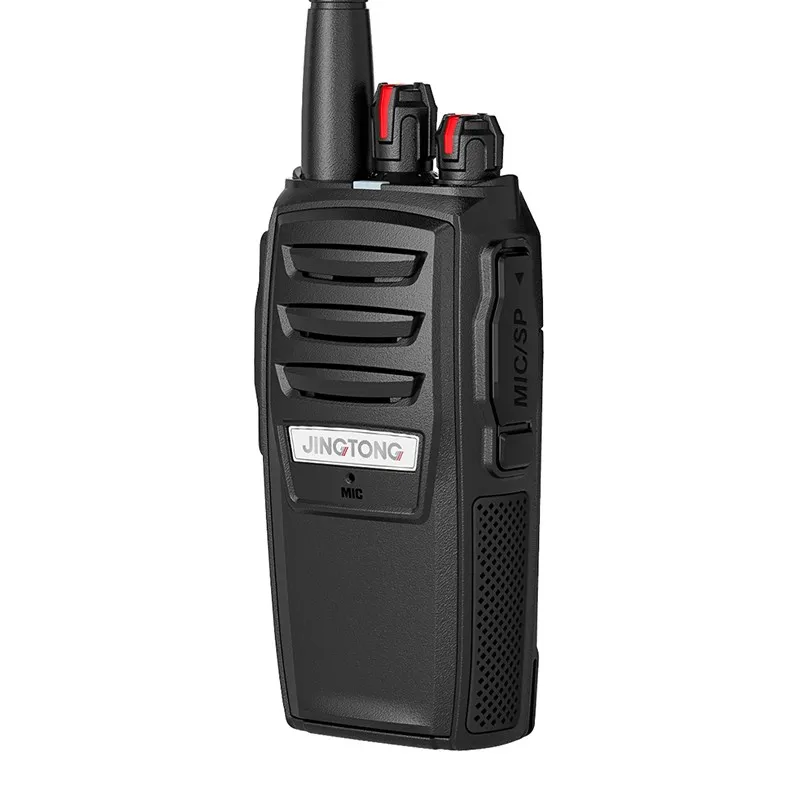
- Manual Tuning: Use the tuning knob on your radio to manually adjust the frequency. As you turn the knob, you'll hear different stations come in and out of focus. Keep turning the knob slowly until you find a station with clear reception.
- Automatic Tuning: Some analog radios have an automatic tuning feature. Press the auto - tune button on your radio, and it will scan the frequency band and stop at stations with a strong signal.
Step 5: Fine - Tune the Station
After you've found a station, you may need to fine - tune it to get the best possible reception. Use the tuning knob to make small adjustments to the frequency until the sound is clear and free of static.
Troubleshooting Common Tuning Issues
- Poor Reception: If you're having trouble getting a clear signal, check the antenna. Make sure it's properly extended and positioned. You may also want to try moving the radio to a different location, away from sources of interference such as electrical appliances or metal objects.
- Static or Noise: Static or noise can be caused by a weak signal or interference. Try adjusting the antenna or moving the radio to a different location. You can also try using an external antenna to improve the signal strength.
- Multiple Stations Overlapping: If you're hearing multiple stations at the same time, it could be due to improper tuning. Use the tuning knob to fine - tune the frequency until you can isolate the station you want to listen to.
Our Analog Radio Products
As an analog radio supplier, we offer a wide range of high - quality analog radios to meet your needs. Here are some of our popular products:
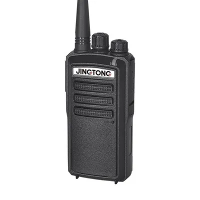
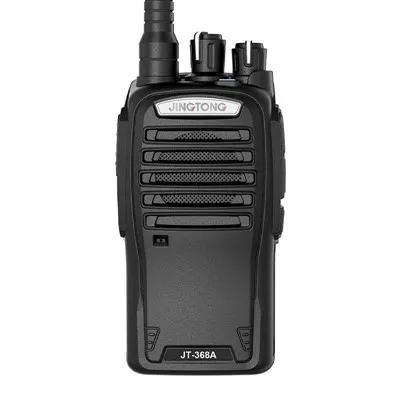
- Portable Professional Radio: This portable radio is perfect for professional use. It offers excellent reception and a long - range, making it ideal for outdoor activities, security, and communication in remote areas.
- Portable Ham Radio: If you're interested in amateur radio, our portable ham radio is a great choice. It allows you to communicate with other ham radio operators around the world and offers a variety of features for advanced users.
- Analogue Radio Walkie Talkie: Our analogue radio walkie - talkie is a reliable and affordable option for short - range communication. It's easy to use and perfect for family outings, events, and small - scale communication.
Contact Us for Procurement
If you're interested in purchasing our analog radios, we'd love to hear from you. Our team of experts can help you choose the right radio for your needs and provide you with detailed information about our products. Whether you're a professional looking for a high - performance radio or an individual interested in a basic communication device, we have the perfect solution for you.
References
- Radio Technology Handbook, Third Edition. Author: John Miles.
- The Art of Radio Tuning. Publisher: Radio Enthusiast Press.