

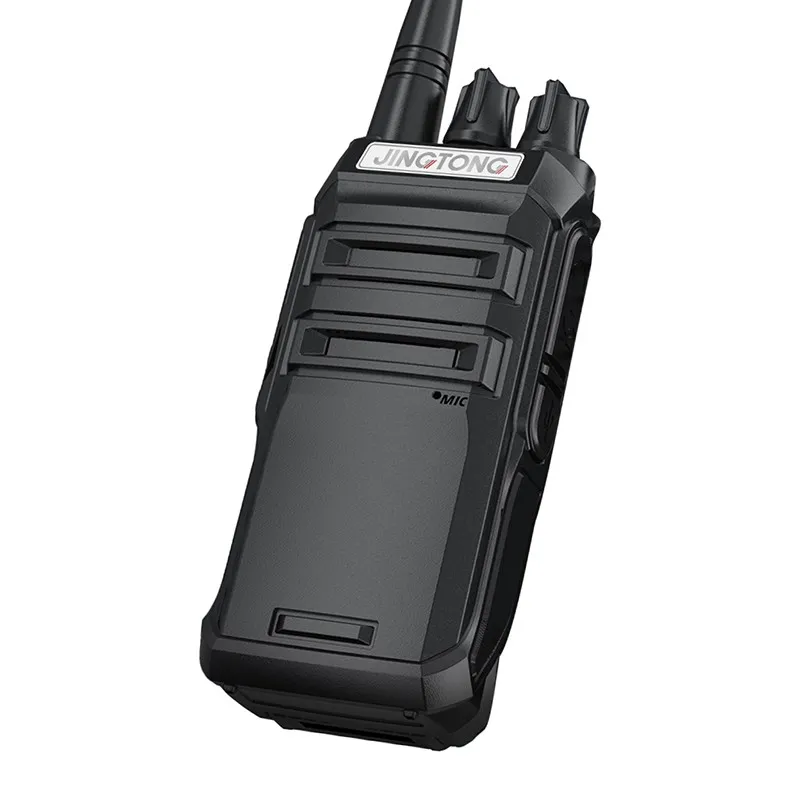
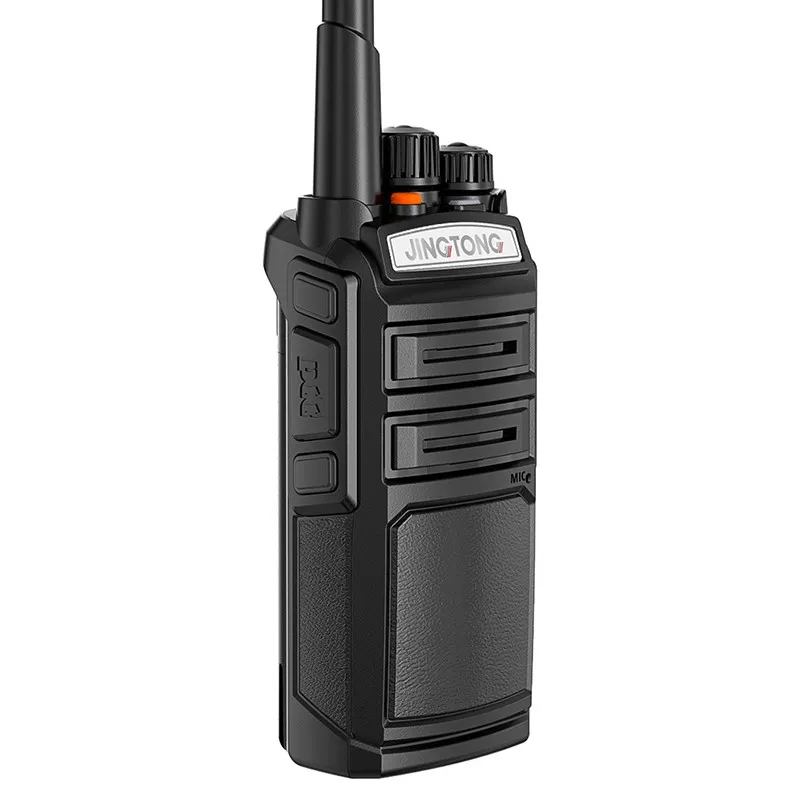
Hey there! As a supplier of Analog VHF Radios, I'm super stoked to chat with you about how to make the most of the power save mode on these rad devices. Whether you're using them for outdoor adventures, professional work, or just staying in touch with friends, power save mode can be a game - changer.
First things first, let's understand what power save mode is all about. In simple terms, it's a feature that helps your Analog VHF Radio conserve battery life. When the radio's in power save mode, it goes into a kind of "sleep" state when it's not actively receiving or transmitting signals. This way, it uses less energy, and your batteries last longer.
Why Use Power Save Mode?
Let's face it, nobody wants to be stuck with a dead radio in the middle of an important conversation or a crucial mission. That's where power save mode comes in. By using it, you can extend the battery life of your Analog VHF Radio. This is especially useful if you're out in the field for long periods without easy access to a power source.
For example, if you're a hiker or a camper, you might be out in the wilderness for days. Having a radio with a long - lasting battery can be a matter of safety. You can use the radio to call for help in case of an emergency, and power save mode ensures that the battery won't die on you.
How to Activate Power Save Mode
Activating power save mode on an Analog VHF Radio is usually a pretty straightforward process. Most radios have a dedicated button or a menu option for it.
Here's a general step - by - step guide:
- Locate the power save button or menu: On some radios, there's a physical button labeled "Power Save" or something similar. On others, you'll need to go into the menu settings. Look for an option related to power management or battery saving.
- Press the button or select the option: Once you've found the power save feature, press the button or select the option from the menu. You might see a small icon on the radio's display indicating that power save mode is now active.
- Adjust the settings (if available): Some radios allow you to adjust the sensitivity of the power save mode. You can set it to be more or less aggressive depending on your needs. For example, if you're in an area with a lot of radio traffic, you might want to set it to a less sensitive mode so that the radio doesn't miss important signals.
Tips for Using Power Save Mode Effectively
- Understand your environment: If you're in an area with a lot of radio interference or constant transmissions, power save mode might not be as effective. The radio will be constantly waking up to check for signals, which can drain the battery. In such cases, you might want to turn off power save mode.
- Pair it with good batteries: Using high - quality batteries can make a big difference. Rechargeable batteries are a great option as they're more cost - effective in the long run. Make sure to fully charge them before heading out.
- Keep an eye on the battery indicator: Even with power save mode on, it's important to monitor the battery level. If the battery is getting low, you can take steps like turning off unnecessary features or switching to a fresh set of batteries.
Comparing with Other Radios
Now, you might be wondering how Analog VHF Radios with power save mode stack up against other types of radios. Let's take a look at the UHF Analog Radio for example.
UHF radios operate on a different frequency band than VHF radios. While they have their own advantages, such as better penetration through buildings and obstacles, Analog VHF Radios are often preferred for long - range communication in open areas.
When it comes to power save mode, both types of radios can benefit from it. However, the effectiveness might vary depending on the specific model and the environment. In general, Analog VHF Radios tend to have better long - range power efficiency, especially when using power save mode in open spaces.
Another great option in the market is the Powerful Long Range Walkie Talkie Portable Radio. These radios are designed for extended use and often come with advanced power management features. But again, the power save mode on an Analog VHF Radio can be a great choice for those who need reliable long - range communication with good battery life.
Troubleshooting Power Save Mode Issues
Sometimes, you might run into issues with power save mode. Here are some common problems and how to fix them:
- The radio doesn't seem to be entering power save mode: First, make sure you've correctly activated the power save feature. If it's still not working, check the radio's manual for any specific requirements or settings. It could be that there's a conflict with another feature or that the radio needs to be reset.
- The radio wakes up too frequently: This could be due to a high - sensitivity setting or a lot of radio interference in the area. Try adjusting the power save sensitivity or moving to a less noisy location.
- The battery still drains quickly: There could be other factors at play, such as a faulty battery or a problem with the radio's power circuit. Try using a different set of batteries or contact the manufacturer for further assistance.
Conclusion
Using the power save mode on an Analog VHF Radio is a great way to extend the battery life and ensure that your radio is always ready when you need it. Whether you're a professional user or just someone who loves the outdoors, this feature can make a big difference.
If you're interested in purchasing Analog VHF Radios or have any questions about our products, we'd love to hear from you. Reach out to us to start a conversation about your specific needs and how our radios can meet them.
References
- Manufacturer's manuals for Analog VHF Radios
- Industry research on radio power management
- User forums and communities discussing radio usage and power save features


